PALM INKSTONE
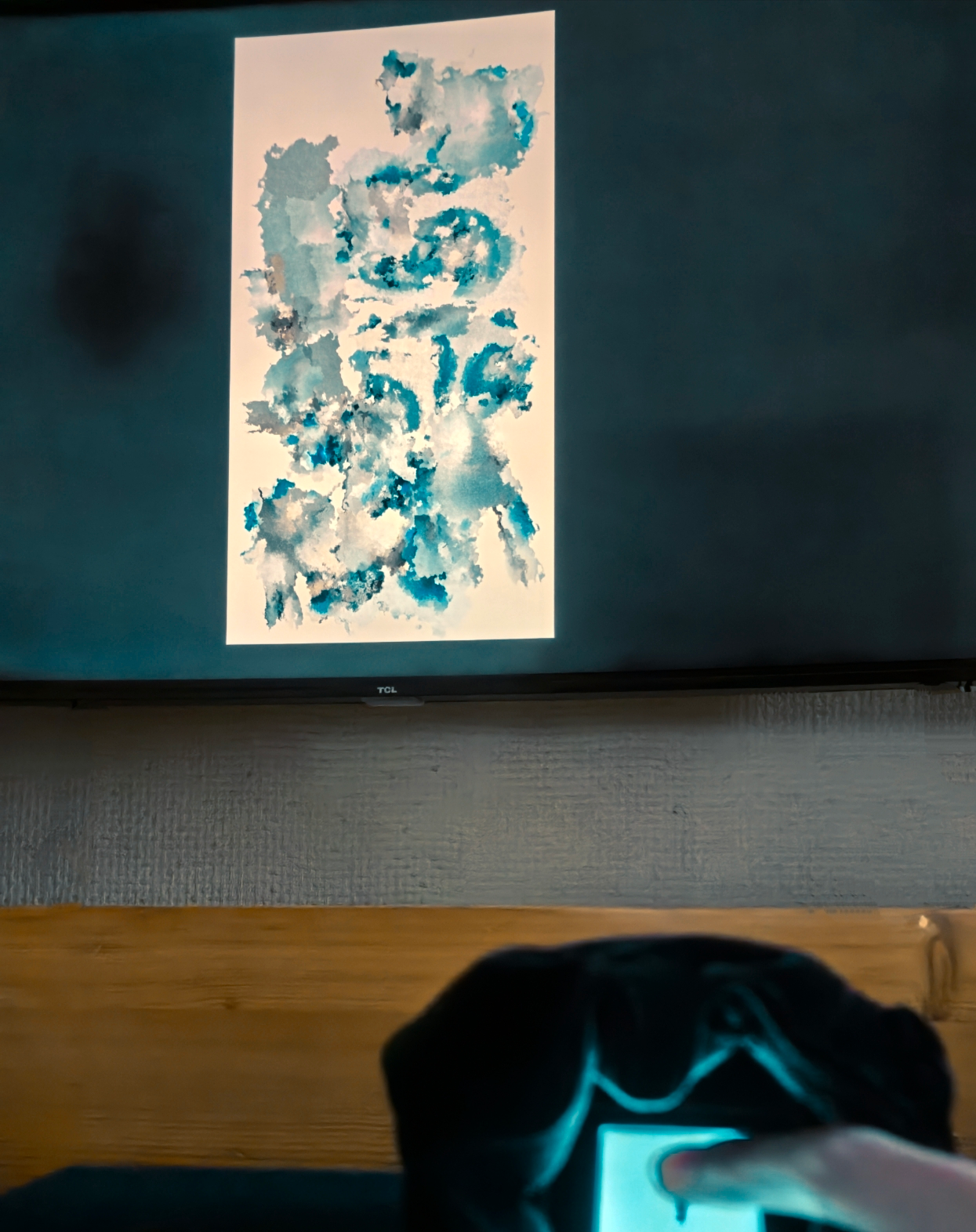
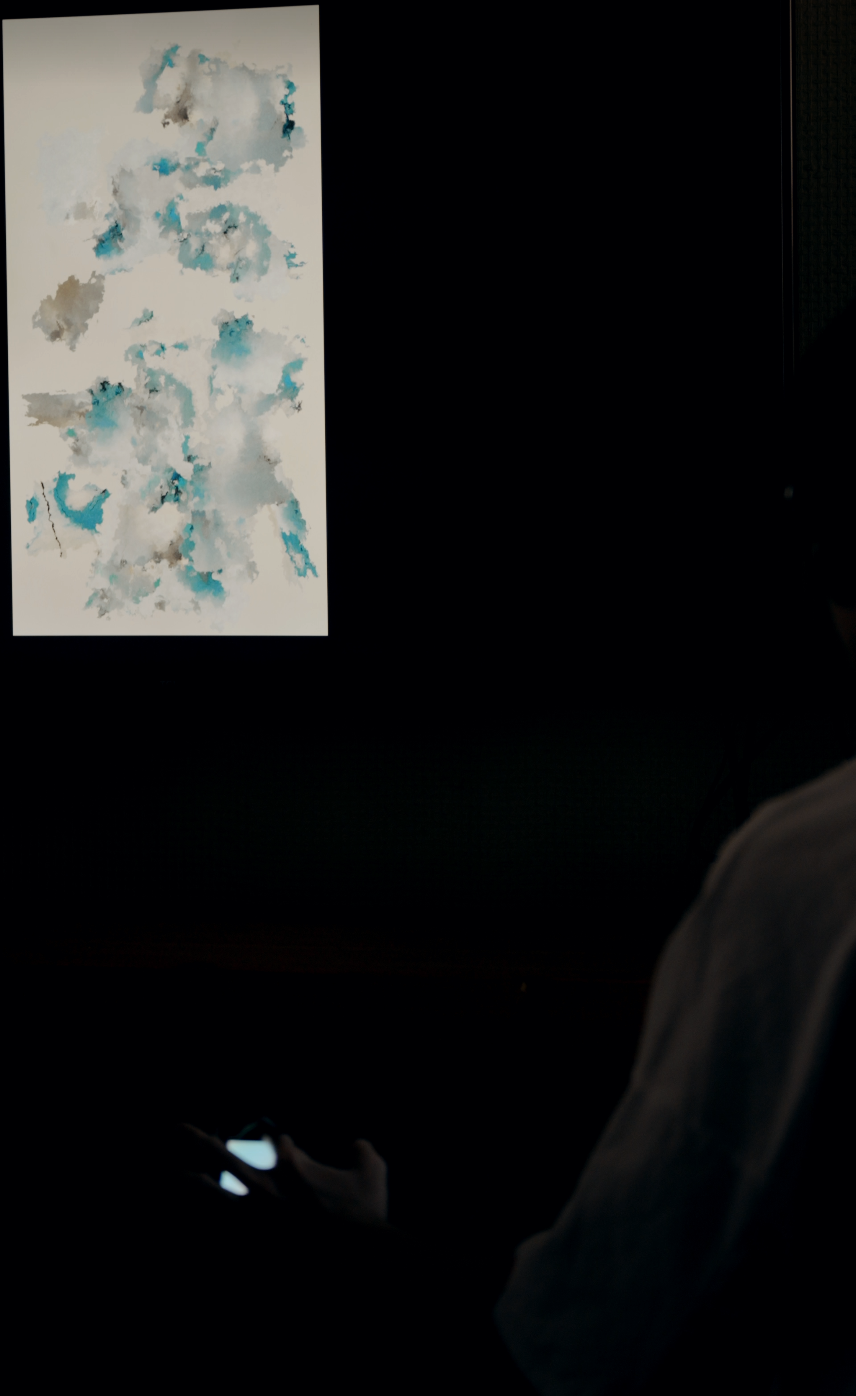
The project reimagines a small touch device as a digital inkstone. Rather than drawing a complete image directly, the audience initiates a mark through position, duration, and movement. AI responds after the gesture and generates visual content within the placement already determined by the participant.
Interaction Experience: Drag, Hold, Tap
游|Drag The finger moves across the handheld surface to select a position on the large canvas. 凝|Hold As the finger remains in place, time and ink accumulate, producing a denser and wider mark. 落|Tap Releasing the finger completes the mark. TouchDesigner immediately places a temporary imprint while triggering AI generation and sound.
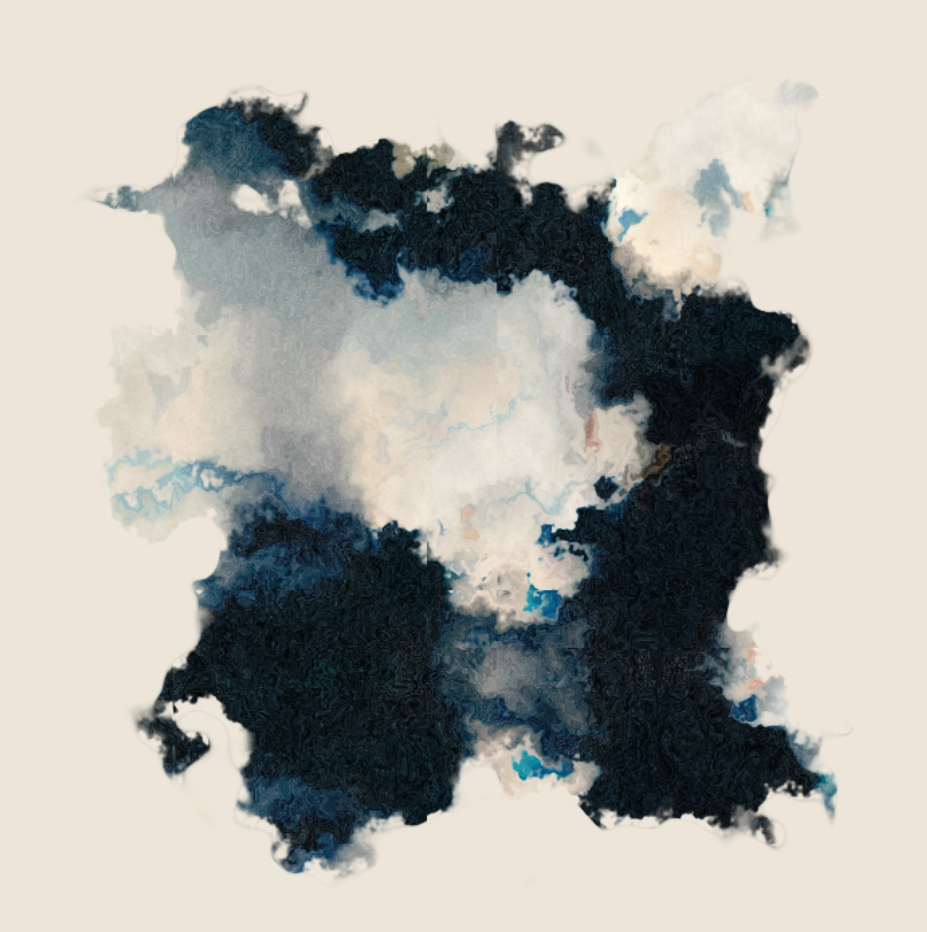
Hold
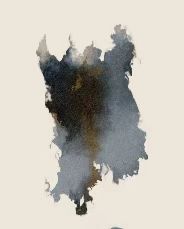
Drag
Interaction Evolution
01 MIDI Audiovisual Prototype 02 Keyboard Simulation & Layered Composition 03 IMU Body-Tilt Experiment 04 Capacitive Touch Interface
The project began as a MIDI-driven audiovisual experiment, translating musical performance into visual composition. Pitch controlled the spatial position of each generated image, while MIDI Velocity determined the scale of the ink imprint. To support development without permanent MIDI hardware, keyboard input was introduced to simulate musical interaction. The next prototype explored the CoreS3 IMU, mapping Roll and Pitch to the two-dimensional canvas while using motion intensity to influence the strength of each ink mark.Although expressive, the IMU proved better suited to continuous body gestures than precise spatial positioning. Sensor drift reduced drawing accuracy, leading to the abandonment of this interaction method. The final interaction adopted the CoreS3 capacitive touchscreen. Finger position maps directly onto the digital canvas; holding creates concentrated ink accumulations, while dragging generates directional brush-like strokes. When the finger is released, an AI-generated image is produced and seamlessly integrated into the evolving ink composition, enabling real-time human–AI co-creation.
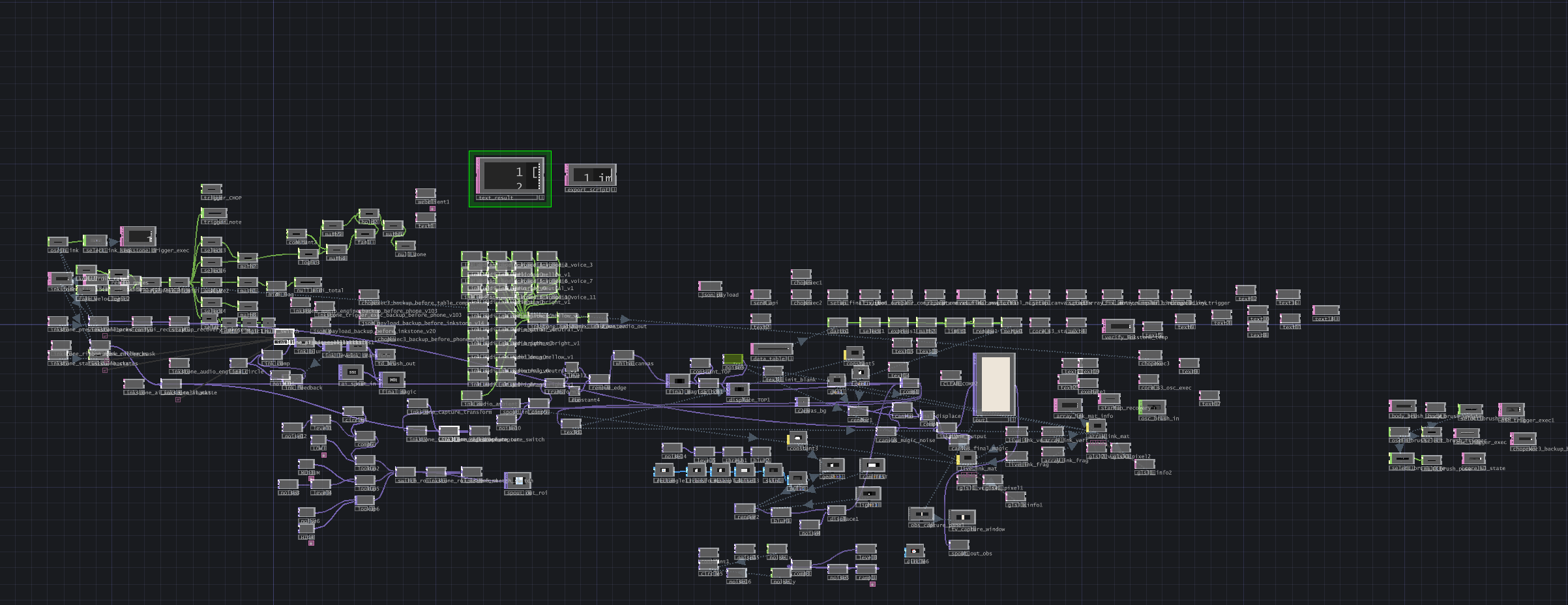
TouchDesigner Network Before Refactoring Including All Legacy Interaction Logic
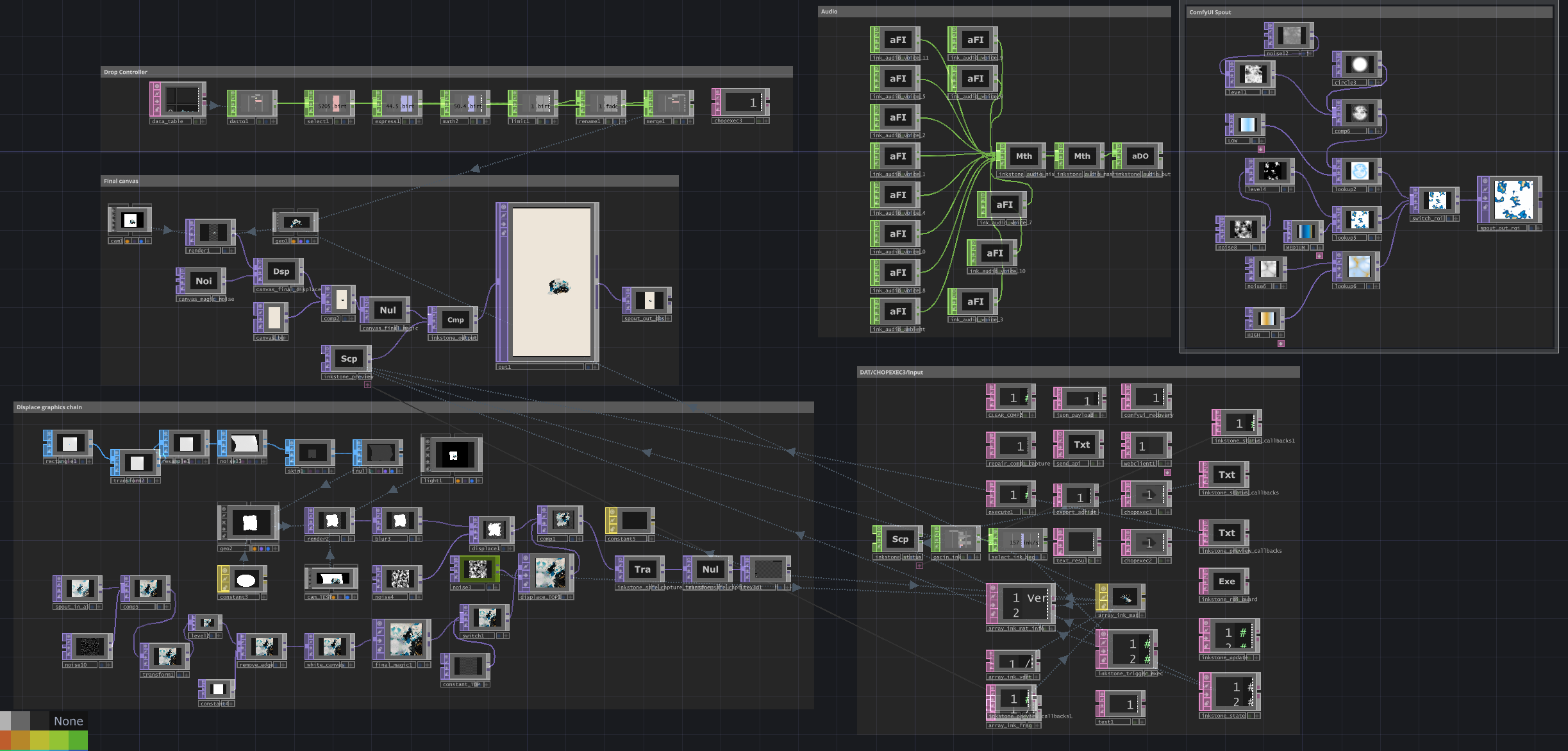
Final TouchDesigner System Architecture
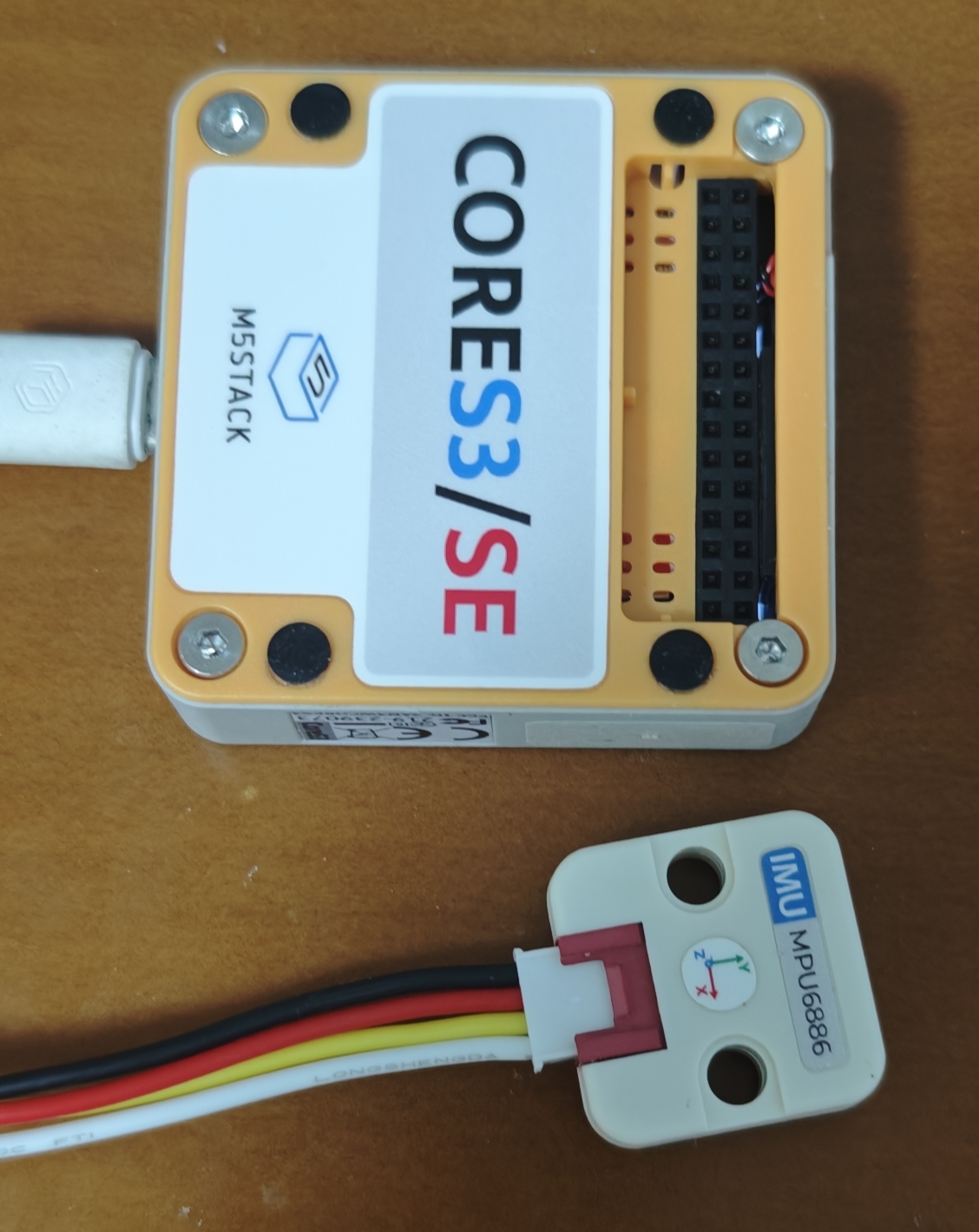
Initial plan: Use the MPU6886 sensor to facilitate human-machine interaction.
Handheld Interface
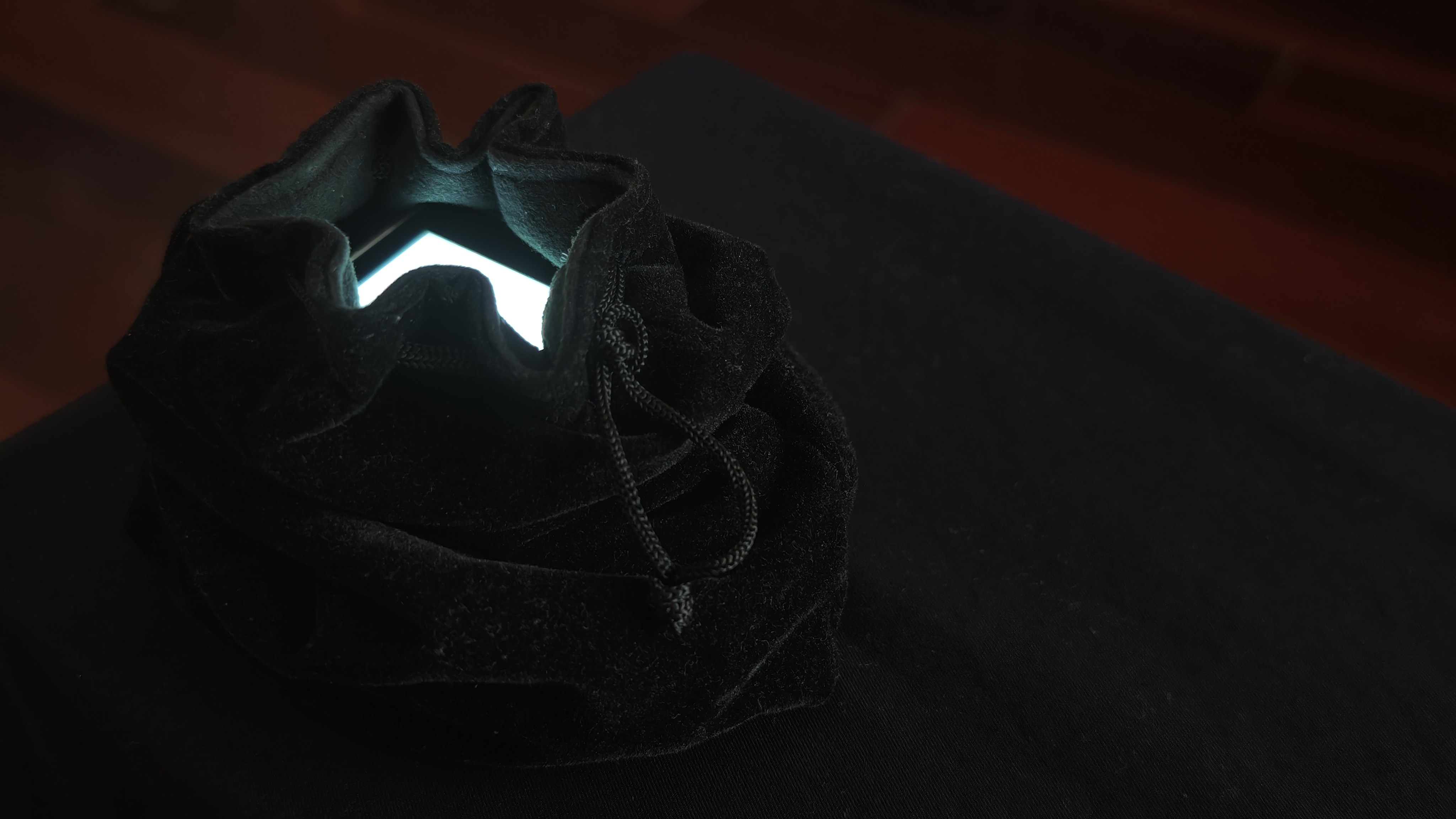
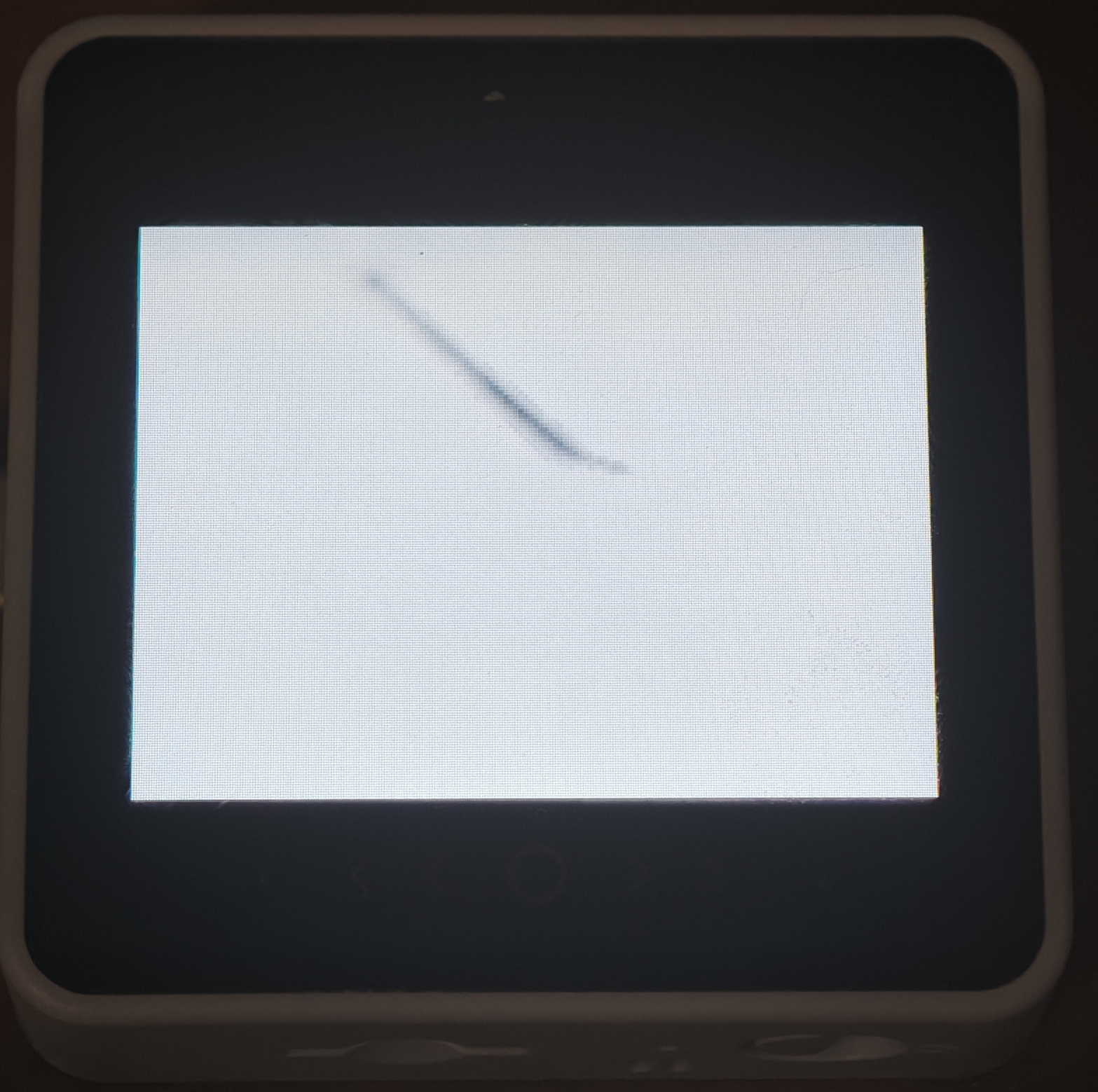
The handheld interface is built with a M5Stack CoreS3-SE. The embedded program continuously reads touch position, dwell time, movement speed, and accumulated path, classifying gestures as tap, gather, or drag. A lightweight wet-ink simulation runs locally on the screen, producing deposition, blooming, dry-brush gaps, tapering, and fading. On release, the device transmits the final touch state before incrementing a sequence number. TouchDesigner listens only for changes in this value, ensuring that each completed gesture produces exactly one imprint.
System Architecture
The installation integrates embedded touch sensing, wireless OSC, real-time graphics, generative AI, GPU instancing, and sound into one closed loop. Human action first determines position, timing, and direction; AI subsequently generates visual content, while TouchDesigner maintains the relationship between the two.
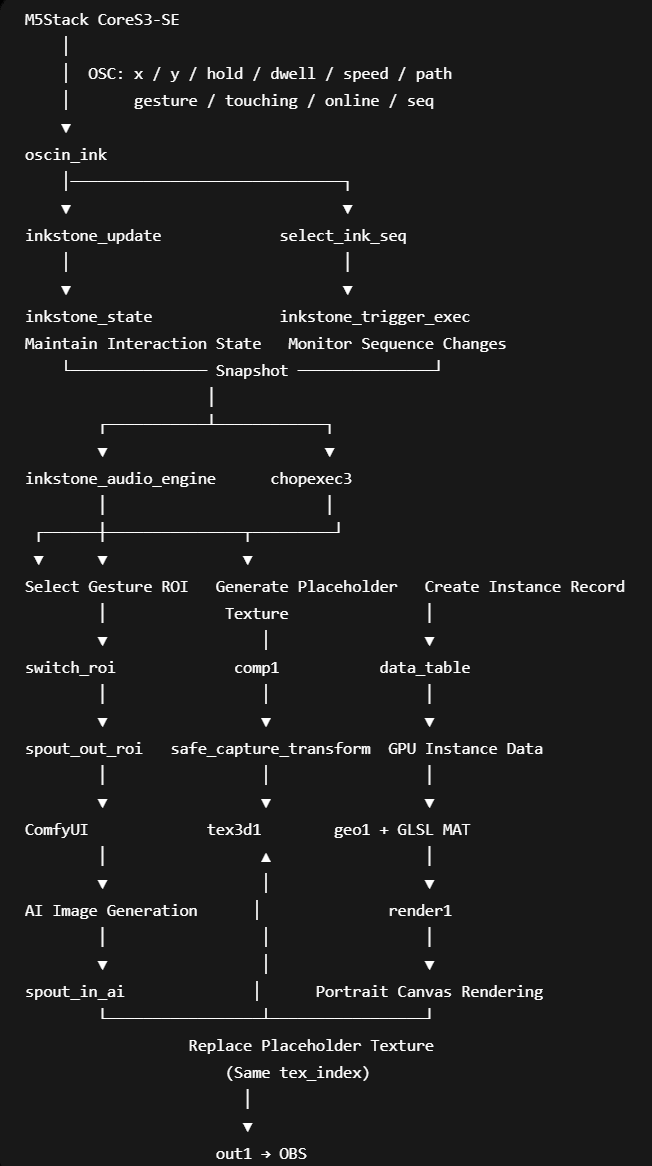
Touch Designer Real-time System
Dynamic Source Sampling Procedural Image-Conditioning Presets
ComfyUI operates more slowly than real-time touch, and multiple interactions may temporarily share the same generated source before a new image becomes available. Capturing the complete source repeatedly would produce an obvious copy-and-paste effect, with identical subjects and textures appearing across the canvas. To prevent this mechanical repetition, the returned AI image first enters Transform1. The node scales and tiles the source into a continuous image field while applying time-driven translation. Because each imprint is captured on a different frame, the system samples a different local region, edge relationship, and colour arrangement. Even when the underlying source image remains the same, the content written into each Texture3D layer has a distinct internal composition. This process does not present one image as several separate AI generations. Instead, it transforms a single generated result into a continuously sampled visual material. The AI output functions less as a finished picture and more as a moving image field that can be cropped, recomposed, and deposited as ink. Before submitting a generation request, TouchDesigner does not always send the same sketch to ComfyUI. Three image branches built from Noise, level adjustment, and colour processing create distinct conditioning images, while Switch ROI selects one for each interaction. The first preset is dominated by black and grey ink structures, encouraging the model to prioritise diffusion, abstract marks, and ink-like texture. The second introduces a stronger blue bias, guiding the output toward cooler cyan-blue tones and a more atmospheric spatial quality. The third combines varied ink density with local blue or red cues, encouraging restrained accent colours rather than colouring the entire image. These presets are not three fixed final images but three generative tendencies. Noise continuously varies their internal structure, while colour and tonal density provide broader direction. The selected ROI is locked to the active interaction record and transmitted to ComfyUI through the sketch Spout stream, preventing the condition from changing before the request is submitted.
ComfyUI & AI Generation Pipeline
Gesture-specific structural sketches are created in TouchDesigner and transmitted to ComfyUI through Spout. The workflow combines a base checkpoint, a custom LoRA, prompt conditioning, IPAdapter guidance, and the incoming sketch to generate the final image. Each task remains linked to an independent interaction record and texture index. When generation is complete, the returned AI image replaces the original placeholder layer without changing the position, scale, or direction determined by the audience.
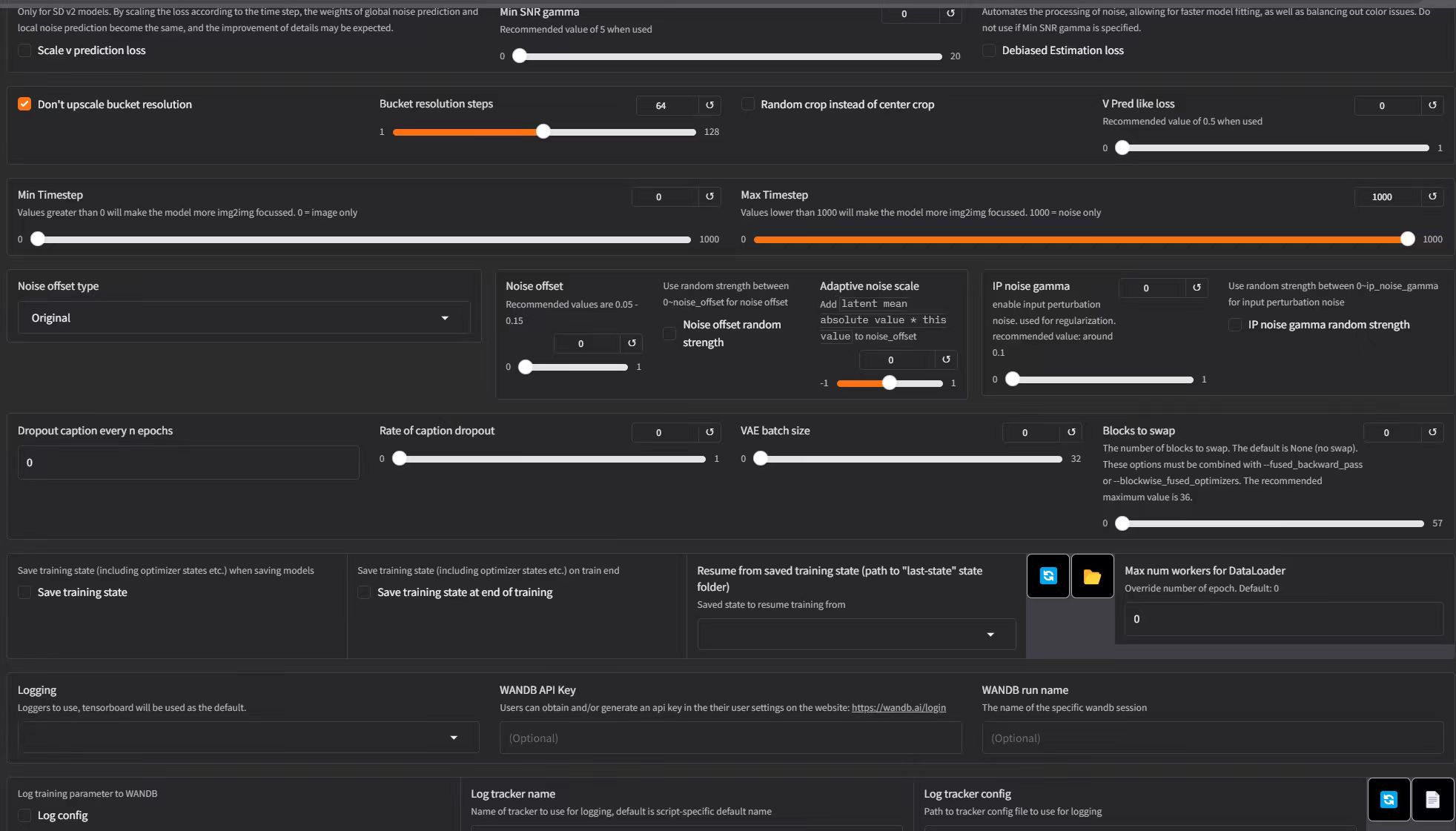
Using OneTrainer to capture their abstract brush language and spatial atmosphere.
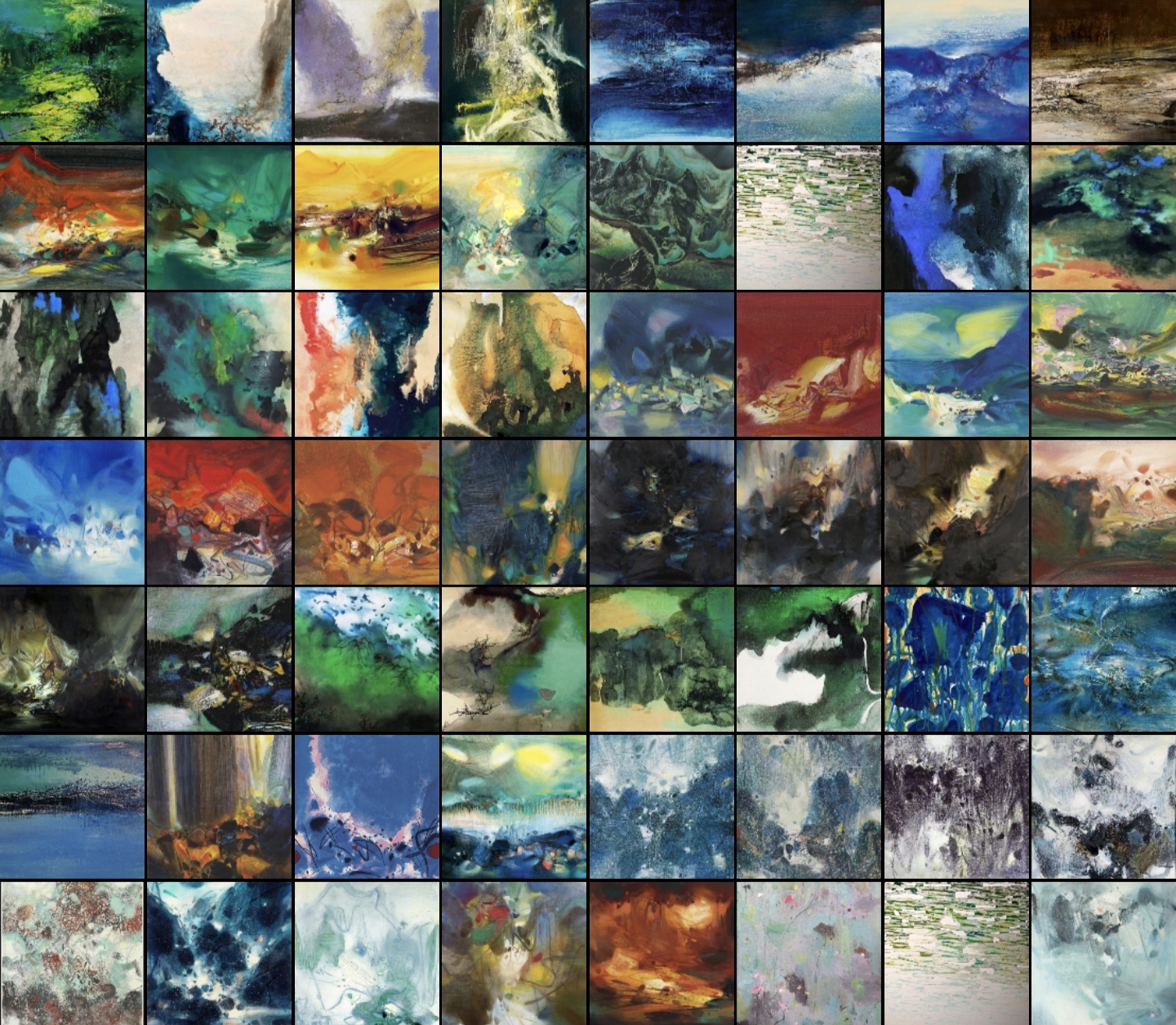
I curated a dataset of modern expressive ink paintings inspired by artists such as Zao Wou-Ki, and trained a custom LoRA model.
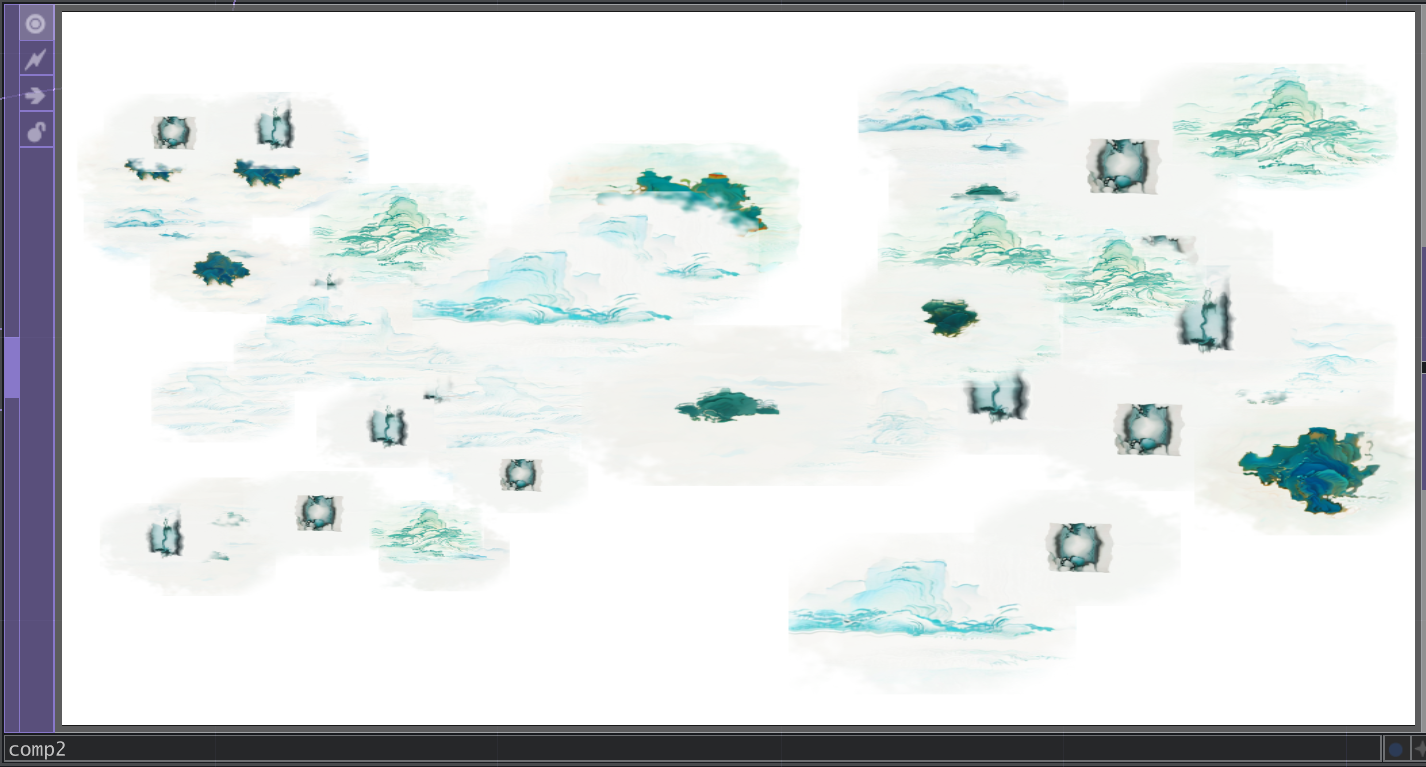
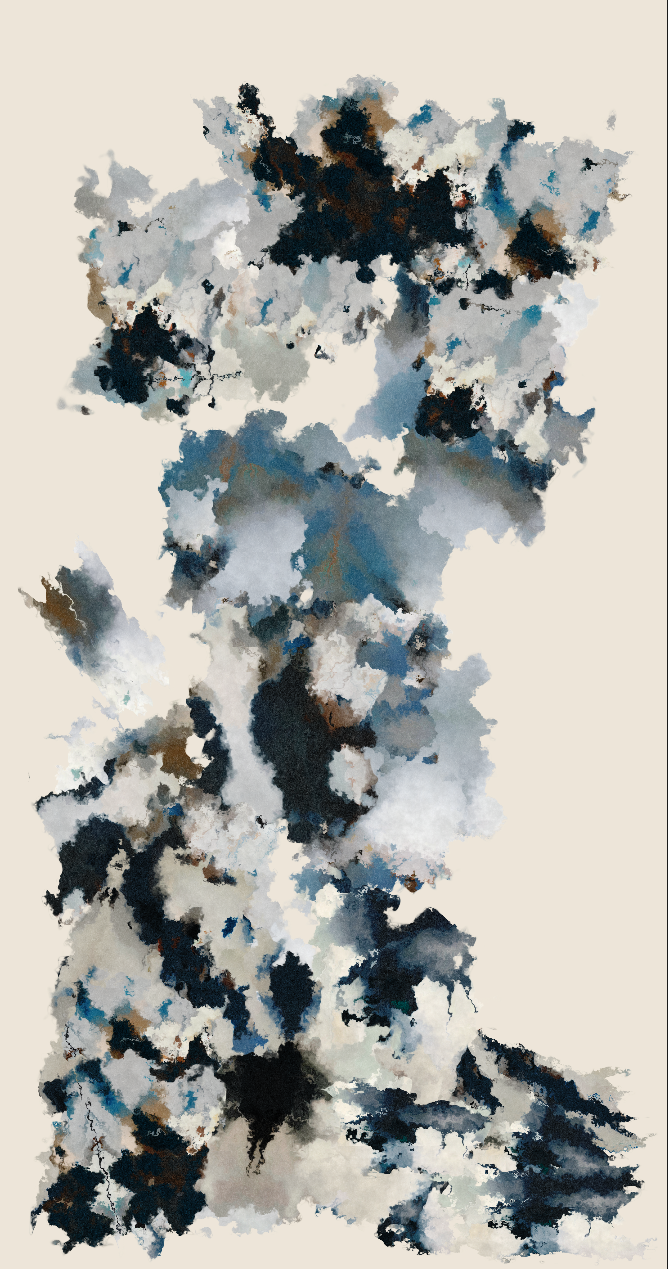
Before developing my own LoRA, I experimented with publicly available Checkpoint and LoRA models. Carefully designed prompts were used to steer the generation toward the visual language of classical Chinese landscape paintings such as A Thousand Li of Rivers and Mountains. The image below shows the composited canvas produced during this stage.
After integrating my custom LoRA, the overall visual quality improved significantly. However, each generated fragment was still composited through a circular mask combined with procedural noise. The brush marks lacked the fluid motion and organic variability that characterize the final version, where every imprint behaves as a unique flowing ink gesture.
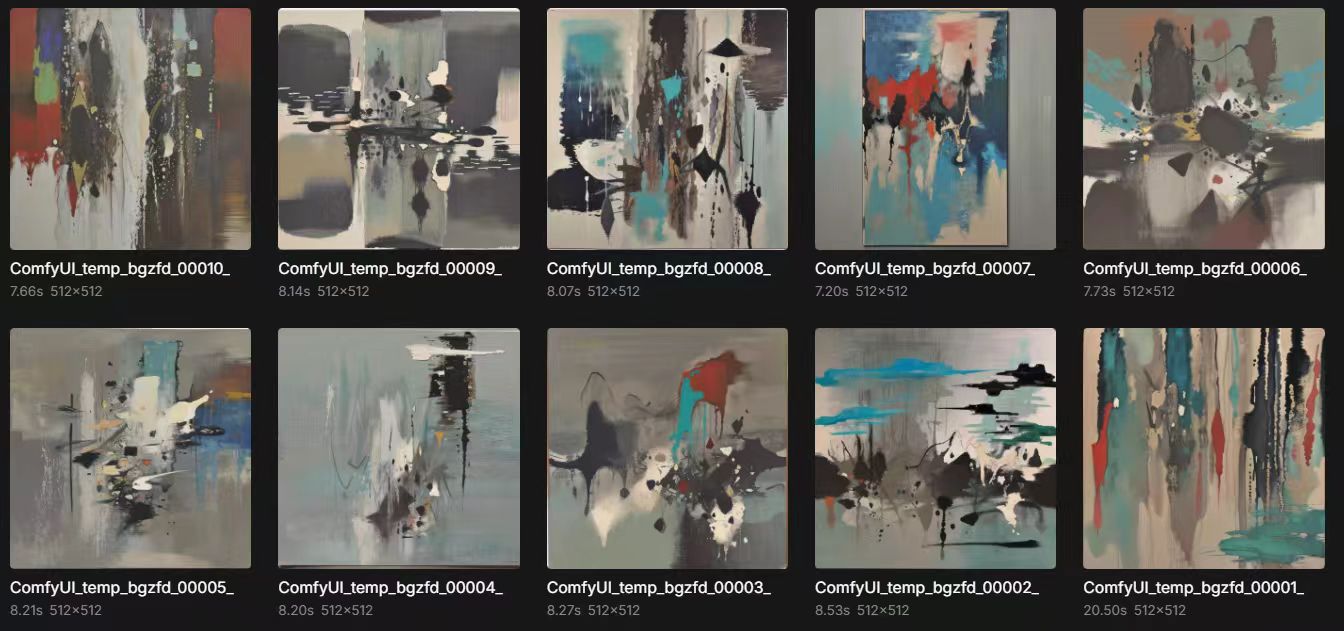
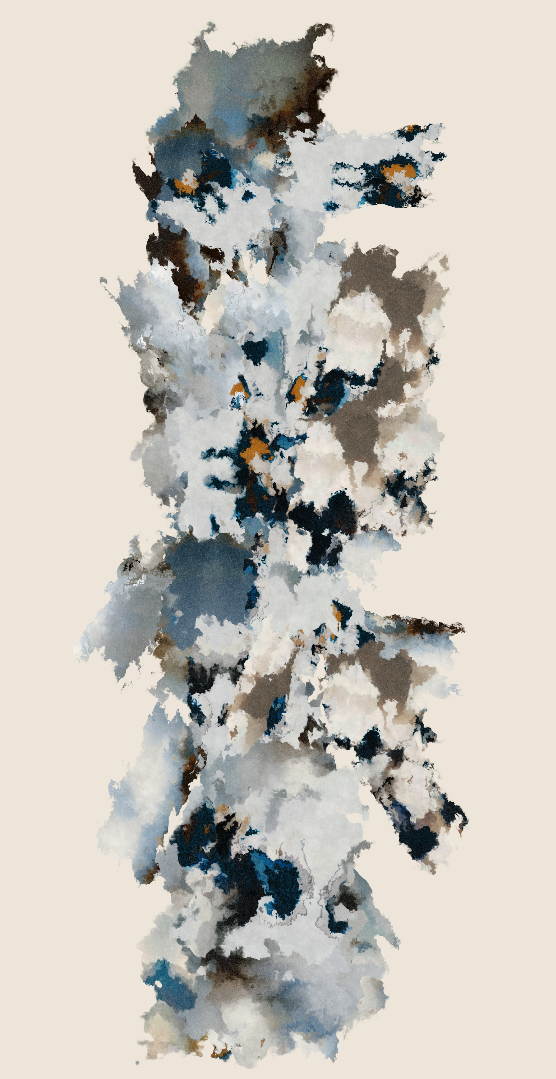
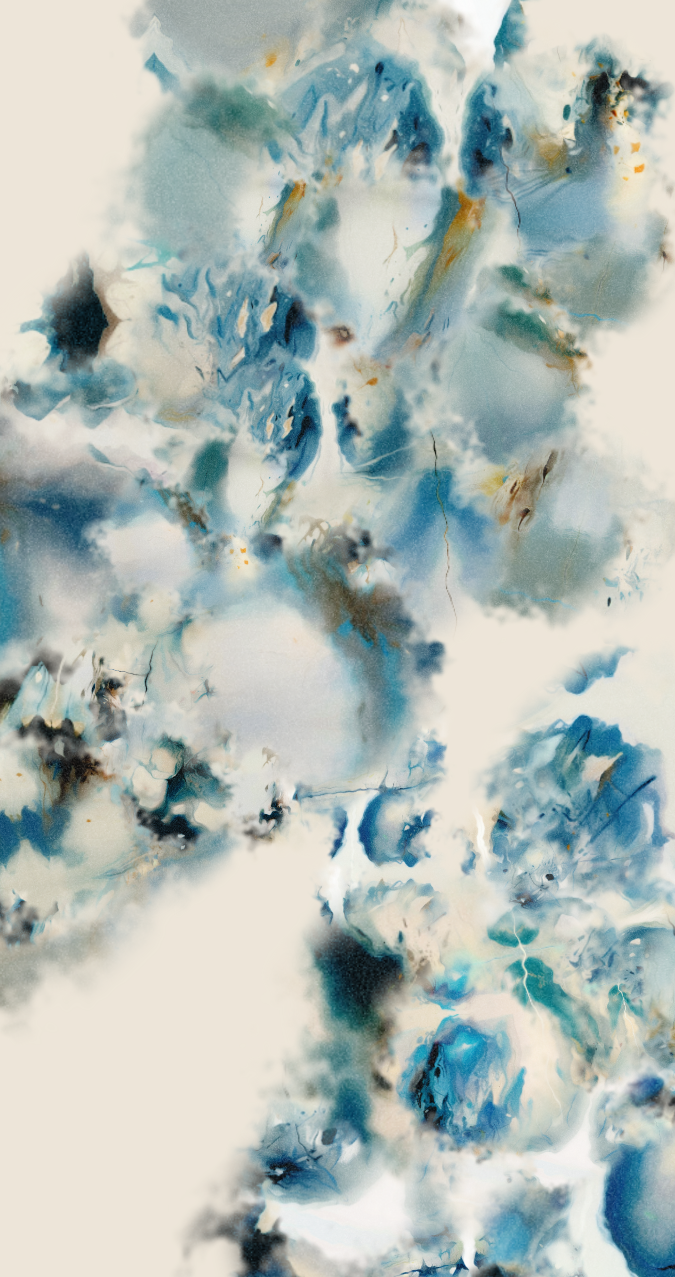
These images were generated using only the trained LoRA, without any style-specific prompt engineering. The visual language became more abstract and contemporary, rather than explicitly referencing traditional Chinese ink painting.
Interactive Sound Design
Sound is not an added soundtrack but a second form of gestural feedback. Vertical position influences pitch, horizontal position affects timbral brightness, and tap, hold, and drag gestures produce different guzheng-like articulations. Rotating voices allow resonances from successive interactions to overlap, making the accumulation of the canvas simultaneously an accumulation of sound.
Final Installation & Reflection
Technology was not used to increase complexity, but to ensure that human gestures remained precise, perceptible, and authorial after AI entered the process.
The final installation consists of a handheld touch interface, a computer running TouchDesigner and ComfyUI, a vertical canvas displayed within a horizontal television, and a computer-based sound system. Gestures are performed at the scale of the hand and reappear at the scale of the large image, creating a transformation between bodily and visual scale. The project evolved from controlling images through musical parameters toward preserving compositional agency within embodied action. The final system does not allow AI to determine everything. Instead, AI operates after the audience: the participant decides where, when, and with what gesture a mark is made, while the model responds by enriching that action. The project evolved from MIDI mapping and IMU control toward capacitive touch, revealing that technical complexity does not necessarily create a more meaningful interaction. In the final system, the participant determines position, timing, and gesture before AI adds texture and visual detail. Immediate placeholders, queue management, and same-layer replacement address latency while preserving the participant’s compositional decisions. The work is still limited by generation speed and three primary gesture classes. Future development could unify the visual language of the handheld ink simulation, temporary imprint, and final AI image while supporting more nuanced calligraphic movement.